%20Redacto%20logo_New.png)


10 Best Data Discovery Tools Privacy & Compliance Teams in India


You may see a customer identifier in your core banking system while copies travel to a support ticket and an analyst’s spreadsheet before one reaches a vendor’s cloud bucket. Your privacy team sees the first record. An access request exposes the other three.
You will need to close that gap when the main obligations under the Digital Personal Data Protection Act, 2023 take effect on 13 May 2027 under the notified 18-month phase. Section 8 will require you, as a Data Fiduciary, to take reasonable security safeguards and erase covered records when the purpose no longer applies, subject to legal retention needs. Sections 11 and 12 will give Data Principals access, correction, and erasure rights.
You can use a discovery tool to locate the records behind those duties, but a scan alone does not create compliance. It only starts the work.DPDP compliance is more complex in BFSI because customer data rarely stays inside one system.
10 data discovery tools compared
The biggest difference between these tools is not how many types of personal data they claim to detect. It is where they can discover that data and what happens after they find it.
*Licensing requirements and usage-based charges can affect the final Microsoft Purview cost.
The table also shows why comparing these products only by features can be misleading. BigID and AWS Macie may both discover sensitive data, for example, but they solve very different problems. One is designed for broad enterprise discovery; the other is deliberately focused on Amazon S3.
The same distinction applies across the rest of the list.
How I evaluated these data discovery tools
I evaluated each tool based on the work a CISO or DPO team needs to do after connecting it to their data environment.
I didn’t give much weight to the number of connectors or AI classifiers a vendor advertises on its own. A discovery tool becomes useful when it can find the right data with enough context to help your team decide what to do next.
Here are the 7 areas I focused on:
- Discovery coverage: Can it scan databases, cloud storage, SaaS applications, documents, file systems, and on-premises environments, or is discovery limited to a specific ecosystem?
- Structured and unstructured data: Can it find personal and sensitive data inside database fields as well as PDFs, documents, spreadsheets, tickets, and other files?
- Classification accuracy: Can teams customize classifiers, confidence levels, and detection rules instead of relying entirely on predefined patterns?
- Identity and context: Does the tool simply find an Aadhaar, PAN, email address, or customer ID, or can it connect that finding with an individual, system, owner, access pattern, or data flow?
- Data mapping and lineage: Can teams understand where sensitive data originated, where copies exist, and how it moves between systems?
- Action after discovery: Can findings trigger masking, deletion, access controls, retention actions, DSARs, privacy assessments, or other remediation workflows?
- Deployment and cost: How difficult is it to connect the platform to an existing data estate, and can a team estimate the cost of scanning its environment before committing to a larger rollout?
For privacy teams in India, I also looked at how easily discovery findings can feed into DPDPA-related operations. I treated that as an additional consideration rather than assuming every organization needs a dedicated DPDPA platform.
1. Redacto: Best for DPDPA workflow evidence
You can connect Redacto’s AI-Driven Data Discovery & Mapping to the work your privacy team already operates. A result can inform your ROPA entry and PIA review before you pass the same context to a vendor record or an Automated DSAR Management case. You keep the connection that legal needs when it asks why a record exists and who approved the next action.
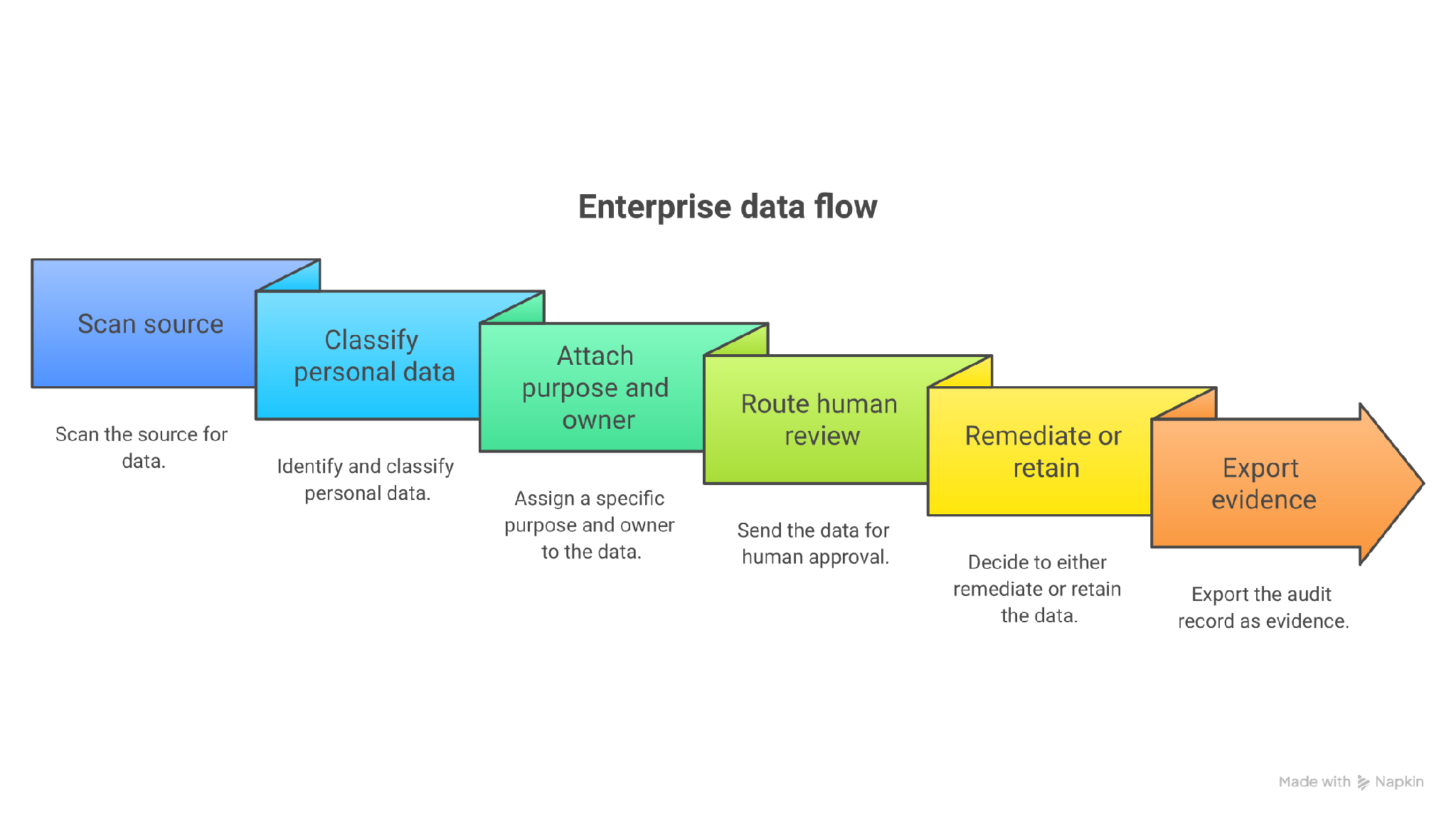
In practice, you would begin by connecting the systems that hold customer, employee, or patient information. Redacto can map discovered data to its source and classification, while your team adds the purpose, owner, retention rule, and processor relationship that turn a technical finding into a privacy record.
When a Data Principal request arrives, you can use that map to locate relevant systems and route the case through Automated DSAR Management. The same record can support a PIA when a product team changes a workflow or introduces a new vendor.
Your DPO still decides whether the processing ground applies and whether an erasure request conflicts with another legal retention duty. Redacto’s value lies in keeping the scan result, review, approval, and resulting action close enough that you can reconstruct the decision later.
This makes it useful for Indian teams that want discovery to produce evidence rather than another inventory that goes stale after the first scan.
Redacto workflow coverage:
- AI-Driven Data Discovery & Mapping identifies and classifies personal data.
- Automated DSAR Management routes Data Principal requests and records case activity.
- Privacy Impact Assessment Automation prepares review material and preserves approvals.
- Vendor Risk Management connects processors and data handling to an owned register.
- Audit & Reporting produces records for internal review and regulator-facing preparation.
Pricing:
License-based; contact Redacto. No public free plan or trial is stated.
Pros:
- India-first product logic reduces the translation work between discovery and a DPDPA control.
- Privacy modules share the same operating context rather than leaving findings in a security queue.
- Current capability names cover discovery, consent, vendor risk, PIA, and DSAR work.
- You can carry one discovery result into several privacy workflows without rebuilding its context.
- Your DPO can review findings alongside the approvals and records needed for DPDPA evidence.
Cons:
- Public pricing is unavailable, so buyers cannot estimate a first-year budget without sales contact.
- Its India-first focus is less suitable for a global program that needs deep multi-regulation coverage from one incumbent suite.
- The company is young and has fewer public case studies or independent reviews than established vendors.
- You need to validate connector coverage against your exact systems during evaluation.
- Your legal and security teams still own interpretation, risk acceptance, and regulator-facing decisions.
Who should not choose Redacto:
A multinational seeking one mature platform for dozens of jurisdictions may prefer OneTrust, while an AWS-only team that needs only S3 classification can run a narrower Macie deployment with a clearer usage meter.
2. BigID: Best for identity-aware discovery across hybrid estates
You can use BigID to correlate each finding with identity, access, and lineage instead of stopping at a pattern match in a column. That context helps you judge whether a match matters. You may find one Data Principal’s information in a warehouse and a SaaS application before you uncover another copy in a file share or development environment.
That identity layer matters when you need to answer a rights request across systems that label the same person differently. You can connect an email address in a CRM to a customer number in a warehouse, then trace related files and downstream copies.
BigID also gives your security team access and exposure context, which helps it separate a routine duplicate from a high-risk store with broad permissions. For privacy compliance, you still need to attach the business purpose, applicable retention rule, and accountable owner to the result.
A sensible deployment starts with a bounded group of systems and a set of known records. Your data owners then review false positives and identity conflicts before anyone triggers deletion or masking. Keep the reviewed result, owner decision, and remediation ticket together. That evidence lets your DPO show how the team searched for a Data Principal’s information and why it retained, corrected, or erased each copy.
BigID discovery depth:
- Hundreds of connectors cover cloud, SaaS, and on-premises sources. Development systems can be scanned too.
- Thousands of pre-trained classifiers span more than 100 languages.
- Identity correlation groups records around a person or entity.
- Cluster analysis helps classify unstructured files by context.
- Remediation actions include labeling, masking, and redaction. Retention and deletion actions are also available.
Pricing:
BigID Next Discovery Foundation was listed at $175,000 for 12 months on AWS Marketplace in August 2026, and because no self-serve free plan is published, buyers need to scope a proof of value with sales before committing to the broader deployment.
Pros:
- Discovery depth suits fragmented estates with both structured and unstructured personal data.
- Identity context can shorten the search stage of a Data Principal access request.
- Local scanning options reduce the need to copy source data into another platform.
- You can connect lineage and access context to each sensitive-data finding.
- Your team can use remediation actions after classification instead of exporting every result to another queue.
Cons:
- The marketplace reference puts it in enterprise-budget territory before services.
- Classification tuning and source onboarding require sustained data-owner involvement.
- Its breadth can be excessive for a team with one cloud and a small source inventory.
- You will need clear owners for identity resolution when records conflict across sources.
- Your privacy team must still map BigID findings to India-specific purposes and statutory evidence.
BigID is better suited when discovery accuracy and identity correlation sit at the centre of a large hybrid program, while Redacto fits better when the primary job is to turn findings into India-specific compliance records that legal and the DPO can trace.
3. Microsoft Purview: Best for Microsoft 365 and Azure estates
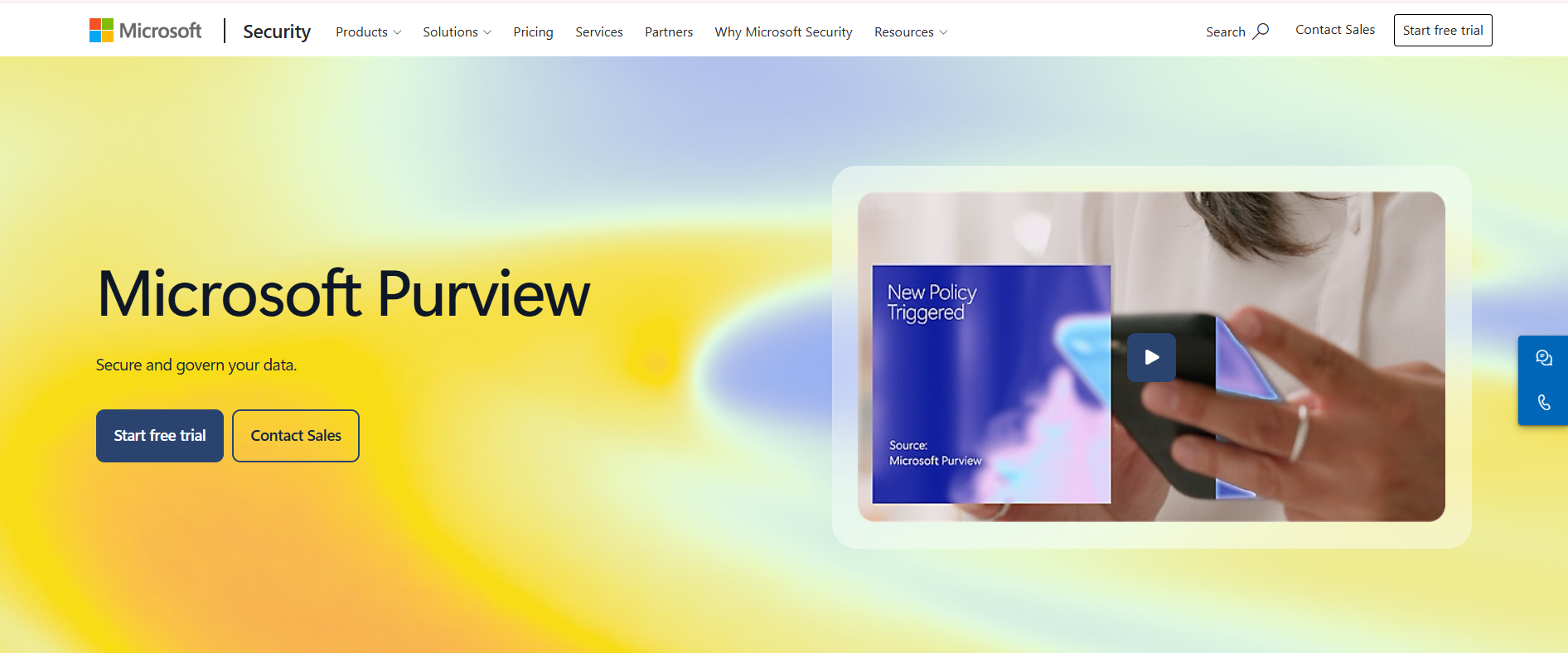
You can use Purview to bring discovery together with labels and cataloging. Your DLP and compliance controls can then act on the same classification scheme across Entra ID, Microsoft 365, and Fabric or Azure. You still need to model the licenses and usage meters. You will get less value when most regulated information sits outside Microsoft.
For privacy work, Purview is strongest when your existing Microsoft controls already identify users, devices, documents, and cloud resources. You can scan connected assets through Data Map, classify sensitive fields, and apply labels that follow documents through Microsoft workloads.
Your security team can use DLP events to catch an exposed file or an attempted transfer. Your DPO needs a separate layer of context: why the data was collected, which notice applies, how long the organization may keep it, and who approves a response to the Data Principal.
Build that bridge before you scale scanning. For example, route a high-confidence customer identifier to a named data owner, require that owner to confirm the source and purpose, then link the reviewed asset to the relevant DSAR or retention case. Store the label history and review outcome. This turns Purview’s classification into usable evidence while preventing an automated label from becoming an unreviewed legal conclusion.
Purview controls:
- Data Map scans and inventories connected sources.
- Unified Catalog links governed assets to data products and critical data elements.
- Sensitive information types and trainable classifiers support labeling.
- Information Protection applies labels across Microsoft workloads.
- DLP policies can act on classified content and record policy events.
Pricing:
Microsoft Purview Suite costs $12 per user each month on annual billing and requires an eligible E3 base license, with a free trial available before Data Governance and protection meters begin adding usage charges to the subscription cost.
Pros:
- Native Microsoft identity and labeling reduce integration work for Microsoft-heavy teams.
- Security and governance controls can act on the same classification scheme.
- Pay-as-you-go options let teams test a defined asset set.
- You can apply familiar Microsoft controls after the tool classifies content.
- Your existing administrators can manage much of the deployment inside the Microsoft stack.
Cons:
- Suite licenses and Azure consumption meters make total cost hard to predict.
- Non-Microsoft coverage needs careful connector and runtime validation.
- A catalog asset does not automatically become a DPDPA purpose or consent record.
- You may need more than one Purview product or meter to cover governance and protection together.
- Your privacy team must create the case workflow that turns a finding into DSAR or retention evidence.
For a bank standardized on Microsoft 365, Purview can own classification while a privacy platform owns the statutory case. Define that boundary before procurement.
4. OneTrust: Best for global privacy program breadth
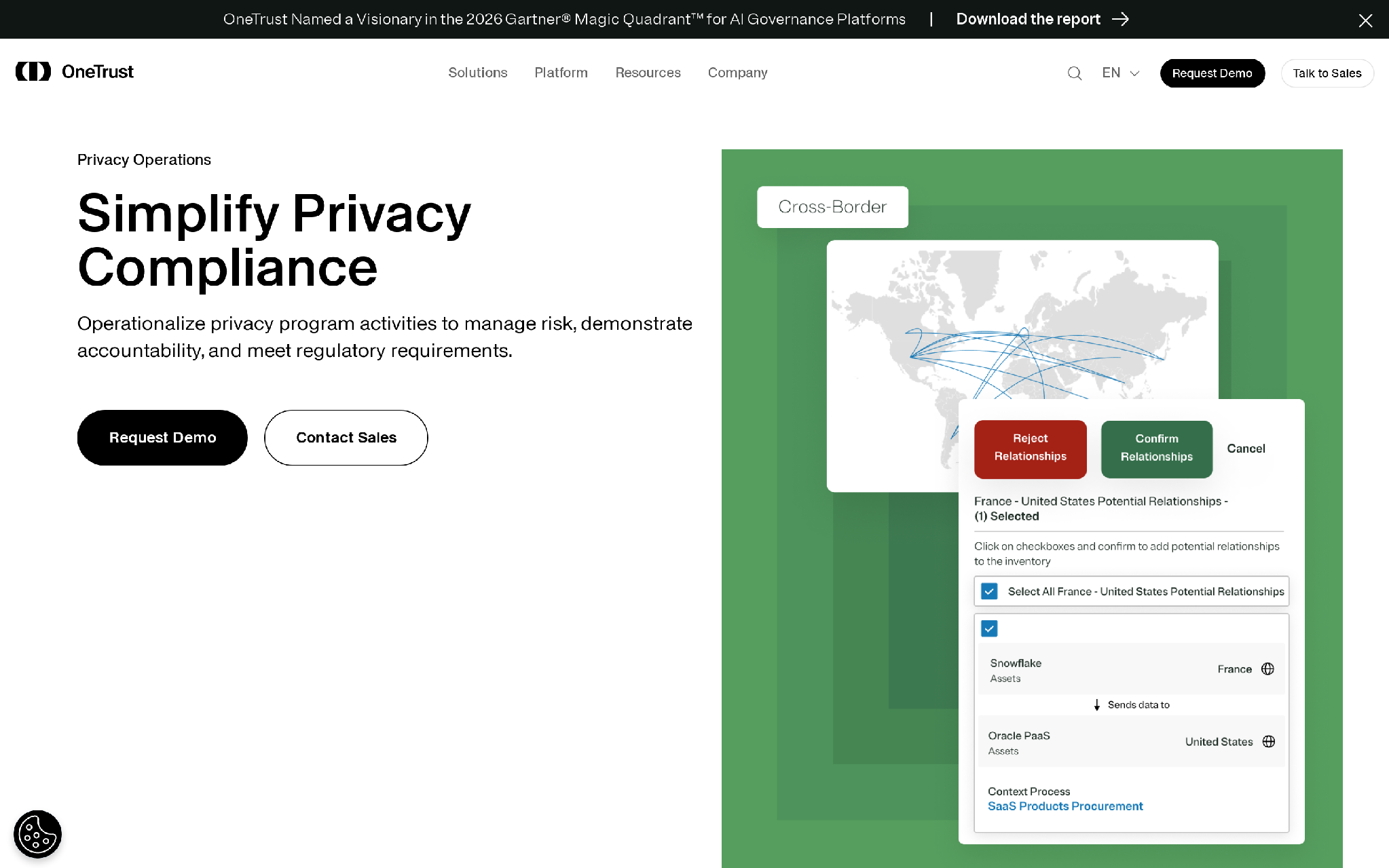
You can use OneTrust to link discovery and classification to rights requests and retention workflows. It can cover structured and unstructured sources across cloud systems and legacy infrastructure. If you already run the wider OneTrust platform, your privacy office can keep those workflows in one environment.
The practical advantage comes from connecting a discovered record to the privacy program that governs it. You can scan a database or document store, classify personal information, correlate records to an individual, and send the reviewed result into a rights-request search.
Retention teams can use the same inventory to identify content that has reached an erasure trigger. Your DPO should still require human review before the platform applies a deletion or redaction action. Identity matches can conflict, scanned documents can contain mixed purposes, and a legal hold can override the normal retention schedule.
OneTrust fits teams that already maintain processing activities and policies across several jurisdictions because discovery can feed those existing records. For an India-focused deployment, define the DPDPA-specific purpose, notice, processor, and decision fields before onboarding sources. Then test whether a completed request preserves the search scope, reviewer, exception, action, and timestamp. Those elements matter more than the size of the connector list when you need to defend the outcome.
OneTrust privacy functions:
- Prebuilt connectors locate data across enterprise systems.
- Named entity recognition adds context to unstructured records.
- Optical character recognition reads printed and handwritten content.
- Identity correlation supports rights-request searches.
- Policy actions include retention, deletion, and redaction.
Pricing:
OneTrust does not publish list prices, but Vendr reported a median contract of about $11,985 per year in February 2026 and recorded purchases from $1,620 to $48,222; no free plan or standard trial is published.
Pros:
- Global regulatory content suits multi-jurisdiction privacy teams.
- Discovery findings can feed DSR and retention processes in the same suite.
- Document classifiers help where personal data lives in contracts or scanned forms.
- You can connect identity correlation to rights-request searches across several jurisdictions.
- Your team can apply retention or redaction actions without moving every finding to a separate product.
Cons:
- Module selection, implementation, and services can widen the gap between the initial figure and total cost.
- Buyers need to confirm which connectors and workflows are included in the quoted package.
- DPDPA-specific operating details still need local legal and process design.
- You may buy more global regulatory breadth than an India-only program needs.
- Your administrators must govern a wide module set as the privacy program grows.
OneTrust is better suited to a multinational that prioritizes regulatory breadth across established privacy operations, although an India-only team may carry more platform and implementation work than its DPDPA program needs.
5. Securiti: Best for combined multicloud DSPM and privacy
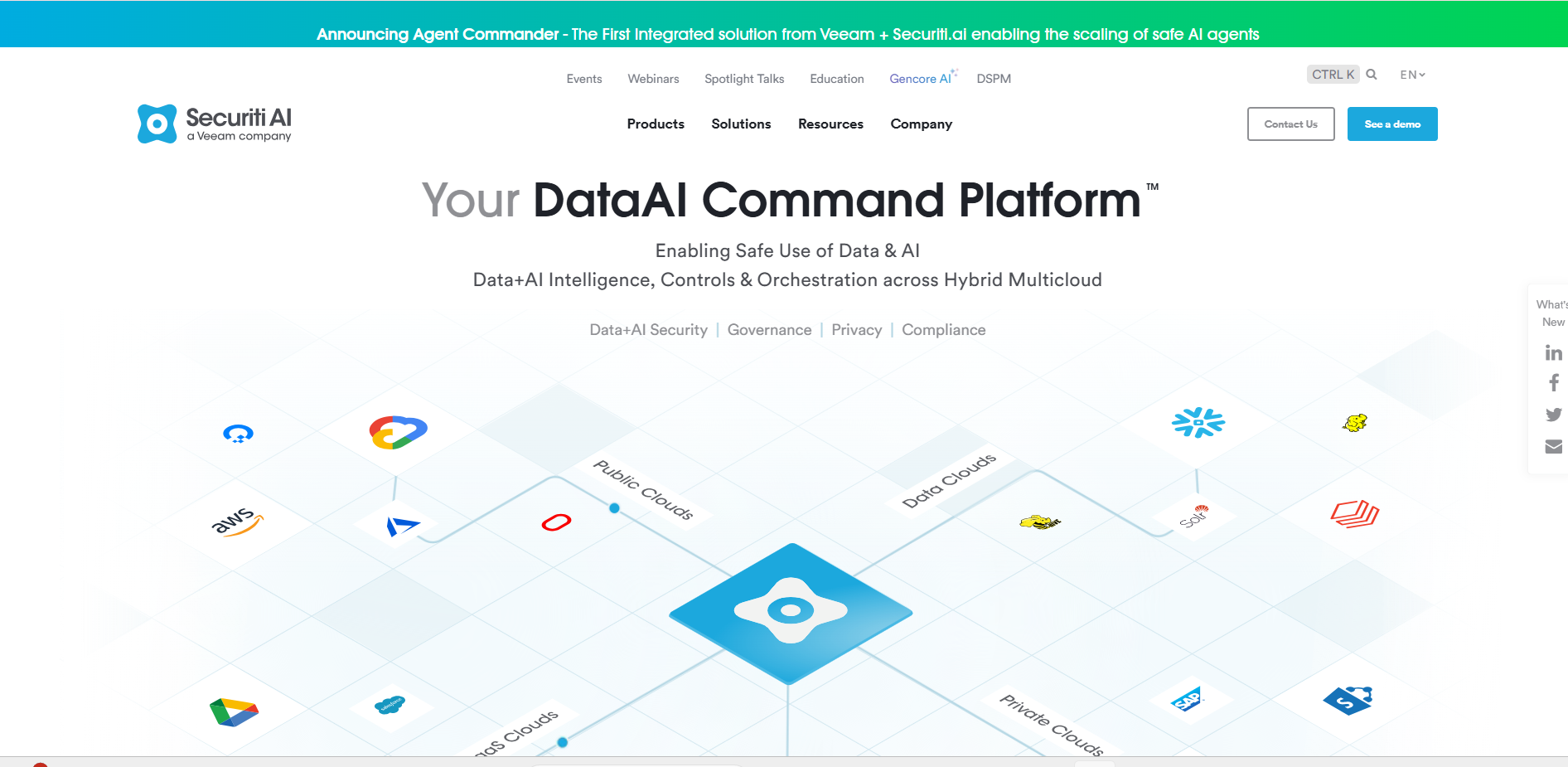
You can give security and privacy teams one inventory through Securiti, but you still need to assign an owner for each handoff. Your cloud security analyst can triage an exposed store and contain access. Your privacy team then decides whether the finding changes a ROPA entry or starts a rights or breach workflow. Record that decision in the privacy case with the scan result and approver attached.
Securiti suits an organization where the same data store creates both an exposure problem and a privacy obligation. Its discovery layer can identify regulated data across clouds, while lineage and catalog context help you see where that information moves.
DSPM views add access and configuration risk, so your CISO can prioritize a public bucket containing customer identifiers above a well-controlled internal table. After containment, your DPO needs to decide whether the incident affects a Data Principal, changes a processing record, or enters the breach-response process.
Configure that handoff explicitly. Assign a privacy owner, carry the source and classification into the case, and preserve the security action with the legal review. Rights requests need a similar bridge from identity search to verified response. Securiti can reduce duplicate inventories across the two teams, but shared technology does not settle ownership. Your operating model should state who validates a match, who authorizes remediation, and which record proves completion.
Securiti operating scope:
- Automated discovery scans structured and unstructured data across multicloud sources.
- Sensitive-data classifiers identify regulated categories and custom business data.
- Data lineage and catalog context show where information moves.
- Privacy workflows support rights requests and assessment work.
- DSPM views prioritize exposure and access risk.
Pricing:
Securiti publishes personalized annual pricing, while buyer benchmarks place enterprise deployments around $50,000 per year; scope varies, no public free plan is listed, and evaluation starts through a sales-led demo.
Pros:
- A shared catalog can reduce duplicate scanning between security and privacy teams.
- Multicloud coverage fits enterprises that cannot standardize on one provider.
- Exposure context helps prioritize sensitive stores instead of treating every finding equally.
- You can combine lineage and catalog context with exposure risk during triage.
- Your CISO and DPO can work from the same underlying inventory.
Cons:
- Public package detail is limited, so a buyer must compare quotes against a fixed source list.
- Broad platform scope can create ownership friction between security and privacy administrators.
- Teams must configure DPDPA purposes and evidence rules for their own operating model.
- You need to test how each quoted module passes findings into the next workflow.
- Your team may face a longer setup when it adopts discovery, DSPM, and privacy functions together.
Securiti suits a CISO-led data security program that also needs privacy workflows and can define the security-to-privacy handoff, while a privacy-led India program may reach its first usable evidence trail faster with Redacto.
6. Amazon Macie: Best for sensitive-data discovery in S3
You can use Macie to inventory S3 buckets and sample objects for regulated records, credentials, and financial information. It routes findings through Amazon EventBridge or Security Hub for your team to investigate. Its narrow boundary helps you price the service and prevents you from mistaking it for a complete privacy system.
Start by selecting the AWS accounts and buckets that carry the highest privacy risk. Macie can inspect objects with managed or custom data identifiers, then give your security team the bucket, object, finding type, and severity needed for triage.
You can route a finding through EventBridge into a ticket or response function. Privacy compliance begins at that handoff. The finding does not know why you collected the record, whether consent applies, which Data Principal it belongs to, or whether another law requires retention.
Your data owner and DPO need to add that context before masking, moving, or erasing the object. Keep the Macie finding ID, reviewer, decision, and resulting AWS action in the privacy case. For a rights request, reconcile the S3 result with records in SaaS tools and on-premises systems because Macie covers only the AWS storage boundary. This makes Macie effective as a discovery sensor inside a wider DPDPA process, especially when your cloud team already operates Security Hub and EventBridge.
Macie inspection functions:
- Automated sensitive-data discovery samples S3 objects.
- Managed data identifiers detect common personal and financial data types.
- Custom data identifiers cover organization-specific formats.
- Bucket inventory highlights access and encryption risks.
- EventBridge integration routes findings into response workflows.
Pricing:
Bucket inventory starts at $0.10 per bucket each month in US East plus data inspection charges, while the 30-day trial includes automated discovery for up to 150 GB per account and excludes custom discovery jobs.
Pros:
- Setup is direct for teams that already centralize data in S3.
- Usage meters support a bounded pilot on selected accounts.
- Findings integrate with AWS-native security operations.
- You can add custom data identifiers for organization-specific formats.
- Your AWS team can route findings through tools it already operates.
Cons:
- It does not discover personal data in Microsoft 365, SaaS apps, or on-premises databases.
- A Macie finding lacks purpose, consent, and Data Principal case context.
- Repeated scanning across large buckets can increase cost.
- You need another workflow to review retention and erasure decisions.
- Your privacy team must reconcile S3 findings with records held outside AWS.
Macie is the cleaner choice for an AWS team solving an S3 problem with existing security operations, provided the team pairs each relevant finding with a privacy workflow when it must support erasure or access rights.
7. Google Sensitive Data Protection: Best for metered cloud inspection
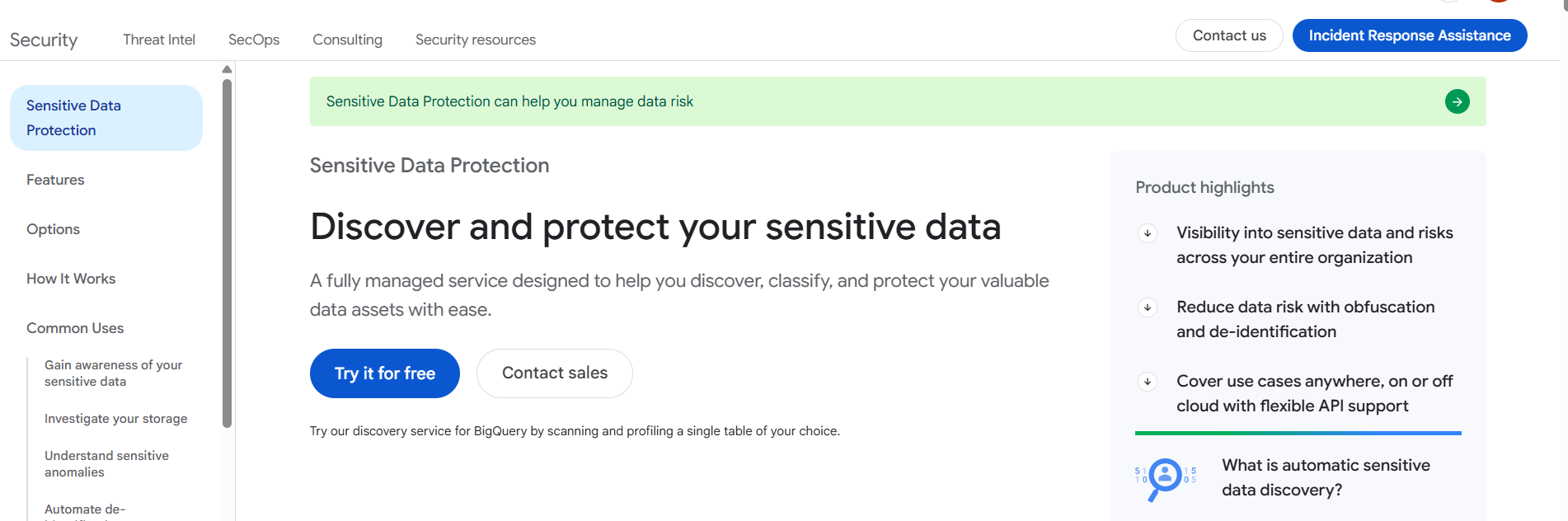
You can run continuous discovery profiles or targeted inspections with Google Sensitive Data Protection. The service covers Google Cloud sources and can also profile Amazon S3 or Azure Blob. You can publish results to Security Command Center, BigQuery, or Pub/Sub for downstream handling.
The product gives you two different operating patterns. Discovery profiles help you maintain a risk view across supported stores, while inspection jobs search selected content when you need precise findings. You can use built-in infoTypes for common identifiers and create custom detectors for internal customer or patient numbers.
De-identification functions can mask or tokenize content after review. For privacy compliance, connect those technical actions to a named purpose and owner. A DPO should be able to see which source was scanned, which detector matched, who confirmed the result, and why the team masked, retained, or erased it.
Pub/Sub can send findings into your case workflow, while BigQuery can hold reporting data. Your team needs to protect that reporting layer because detailed findings can create another sensitive dataset. When supporting a Data Principal request, combine the Google result with identity verification and searches outside the cloud. The service supplies discovery and transformation primitives; your privacy process supplies the judgment and evidence chain.
Google Cloud inspection functions:
- Built-in infoTypes detect personal, financial, and credential data.
- Custom detectors support internal identifiers and contextual rules.
- Discovery profiles summarize risk across supported storage.
- Inspection jobs return exact findings for targeted sources.
- De-identification supports masking, tokenization, and transformation.
Pricing:
Discovery costs $0.03 per GB in consumption mode, while targeted Google Cloud inspection includes 1 GB free each month before charging $1 per GB; there is no separate time-limited trial.
Pros:
- Published usage prices make a limited proof of concept easy to model.
- APIs suit engineering teams that want discovery inside data pipelines.
- De-identification can follow classification without exporting content to another service.
- You can create custom detectors for internal identifiers and contextual rules.
- Your engineers can send findings into existing Google Cloud event and analytics workflows.
Cons:
- A 10 TB targeted scan can cost far more than a discovery profile.
- Privacy staff need engineering support to turn findings into owned cases.
- SaaS application coverage is narrower than enterprise privacy suites.
- You must choose the right inspection mode before you can forecast spend accurately.
- Your DPO still needs another system for consent, DSAR, and approval evidence.
Google Sensitive Data Protection is better suited when a team needs an API and clear per-GB economics. It does not replace a consent ledger or DSAR queue.
8. Nightfall: Best for SaaS, endpoint, and AI data exposure
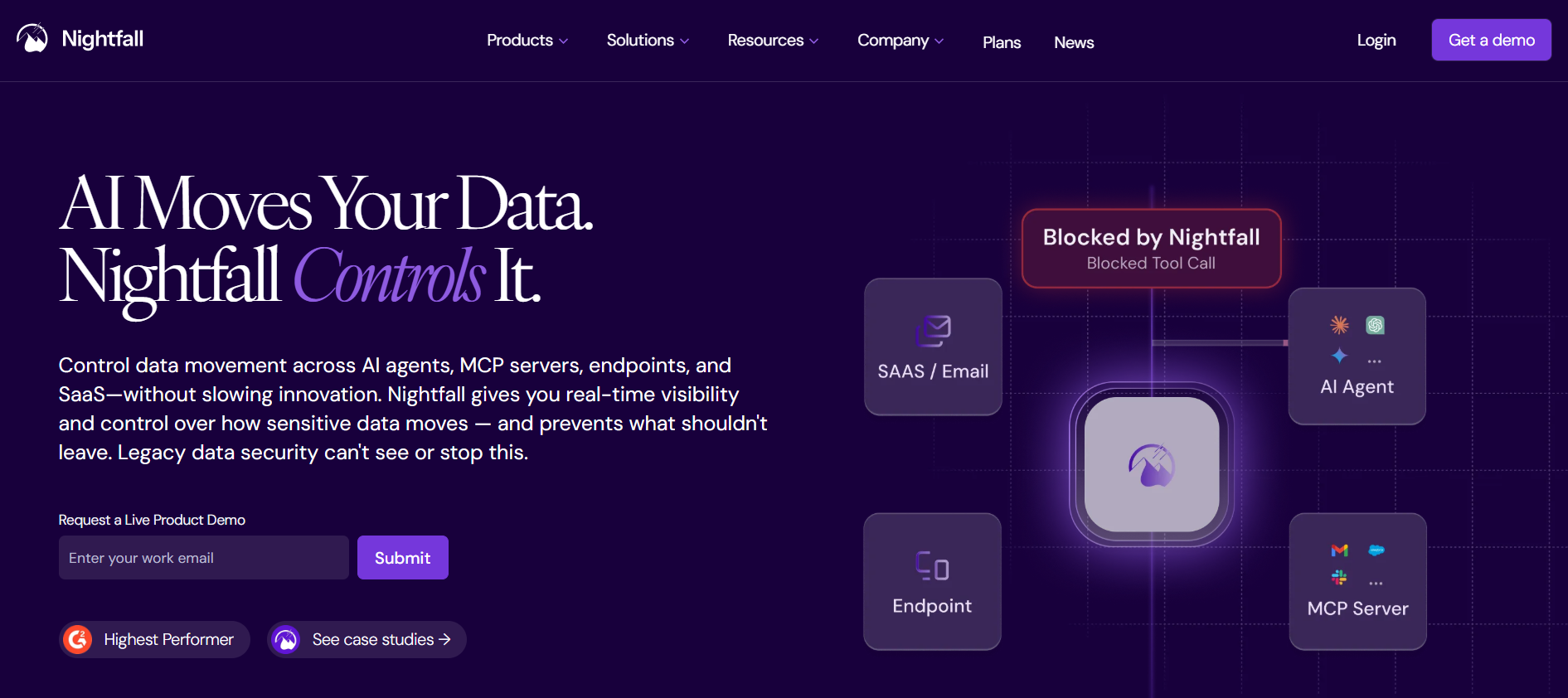
You can use Nightfall to detect regulated content across collaboration apps, endpoints, and browsers. Its controls also cover AI tools. You will focus on data movement and policy violations rather than privacy record management. That distinction helps your security team catch a support agent who pastes customer data into an unsanctioned assistant.
This focus makes Nightfall useful after personal data leaves a governed database and enters day-to-day work. You can monitor supported collaboration tools, browser activity, or API traffic for identifiers and sensitive content.
A policy can warn the user, quarantine material, or notify the security team. Your privacy process must decide what happens next. A blocked paste may need only coaching, while a file shared with the wrong external party may require incident assessment and a preserved breach timeline.
Route material findings into a case with the detector, channel, user, recipient context, and action taken. Your DPO then decides whether the event affects Data Principals or triggers a statutory response.
Nightfall also helps test whether employees move regulated data into unsanctioned AI services, but it does not provide the source inventory needed for a complete rights request. Pair it with database and cloud discovery, then reconcile the same classification terms across both layers so teams do not treat identical data differently.
Nightfall detection functions:
- Pre-trained detectors cover PII, health data, payment data, and secrets.
- Custom detectors recognize internal IDs and project terms.
- SaaS integrations scan collaboration and storage applications.
- Endpoint controls inspect browser and desktop activity.
- Automated remediation can notify users or apply policy actions.
Pricing:
The developer API has a $0 plan capped at 3 GB per month, while enterprise packages use annual per-user pricing and include a seven-day proof of value before the buyer receives quote-led dollar rates.
Pros:
- Coverage follows data into collaboration and AI channels where static catalogs miss movement.
- Security teams can act on exposure at the point of use.
- The free API tier supports detector validation on a small sample.
- You can create custom detectors for internal IDs and project terms.
- Your team can notify users or apply policy actions as the exposure occurs.
Cons:
- Privacy case management and ROPA work require a separate system.
- Enterprise cost depends on both users and scanned volume.
- Detection policies need business context to avoid noisy alerts.
- You may need separate discovery coverage for databases and legacy systems.
- Your DPO must move material events into an owned statutory workflow.
Choose Nightfall when the immediate risk is data leaving an approved system through a browser or collaboration channel, then route any event with statutory consequences into an owned privacy process that records the decision.
9. Informatica: Best for discovery inside a data governance program
You can place discovery beside cataloging and lineage with Informatica. This approach suits you when your data office already owns metadata and your privacy team needs the same source inventory. You receive a broad data-management platform rather than a dedicated DPDPA tool.
Informatica can give your privacy team a governed view of assets that data engineers and stewards already maintain. Automated classification marks sensitive fields, lineage shows how data moves through transformations, and the catalog assigns business meaning and ownership.
That context helps a DPO find the systems touched by a product change or trace where an inaccurate customer value travels. Data quality rules can also flag incomplete records that would weaken a rights response. The privacy team still needs to add purpose, processing ground, retention, processor, and Data Principal workflow context.
A practical rollout links each high-risk catalog asset to a named steward and a privacy owner. When discovery finds a new sensitive field, the steward confirms the classification and the privacy owner decides whether the processing record or PIA needs an update. Preserve both decisions with the lineage snapshot. Informatica works well when this governance routine already exists. Without active stewards, the catalog can describe technical movement while leaving the statutory decision unowned.
Informatica catalog functions:
- Cloud Data Governance and Catalog inventories enterprise assets.
- Automated classification identifies sensitive fields and domains.
- Lineage traces movement through pipelines and transformations.
- Data quality rules expose unreliable or incomplete records.
- Policy and glossary controls attach business meaning and ownership.
Pricing:
Informatica uses consumption-based IPUs, and SpendHound reported average SMB contracts of about $49,148 per year in July 2026; a free Cloud Data Integration service exists, but it does not equal a full governance deployment.
Pros:
- Shared lineage gives privacy teams more context than an isolated scanner.
- Data stewards can assign owners and definitions in the catalog.
- Hybrid coverage fits enterprises with legacy and cloud platforms.
- You can connect data quality signals to the assets your privacy team reviews.
- Your existing governance team can reuse its glossary and ownership model.
Cons:
- IPU consumption and module scope make forecasting difficult.
- Implementation often depends on a mature data governance function.
- Consent, Data Principal intake, and regulator-ready evidence need added privacy workflow design.
- You may face a long deployment if your organization lacks catalog owners and stewardship routines.
- Your DPO needs to define how catalog findings trigger privacy decisions outside the platform.
Informatica fits a data-office-led program where catalog ownership and stewardship already exist, but a DPO buying without that operating base may face a long route from the first scan to a defensible privacy outcome.
10. OpenMetadata: Best for engineering teams that want an open catalog
You can use OpenMetadata to collect metadata from databases, dashboards, and pipelines. Its connectors also cover messaging systems. You can apply classifications and tags, then use lineage and ownership records to give policy controls more context. The open-source route gives your engineering team flexibility while leaving it responsible for hosting and the bridge to privacy cases.
Your engineers can use OpenMetadata to build a living map of tables, columns, dashboards, owners, and upstream or downstream dependencies. Sensitive-data tags can identify assets that contain customer or employee information, while lineage shows which reports and pipelines inherit that exposure.
This gives privacy teams a useful starting point for a PIA or a Data Principal search. The platform often works from metadata, so you need to test whether each connector inspects content deeply enough for the data types you care about.
You also need to create the privacy layer. Add controlled tags for purpose, retention, processor status, and review state. Define who approves each tag and how a confirmed finding opens a DSAR, erasure, or remediation ticket. Keep the catalog version and reviewer decision with the case. OpenMetadata gives you control over the model and deployment, which suits an engineering-led organization. That control also makes your team responsible for access security, upgrades, classifier quality, and evidence exports.
OpenMetadata catalog functions:
- Connectors ingest technical metadata from common data platforms.
- Classification and tagging mark sensitive assets.
- Lineage shows upstream and downstream data movement.
- Ownership and domains assign operational responsibility.
- Data quality tests can monitor selected assets.
Pricing:
OpenMetadata costs $0 under its open-source license when self-hosted, while managed Collate offers a free tier and paid capacity whose current rates are provided through sales after the team defines its expected scale.
Pros:
- Open code lets teams inspect and extend the metadata model.
- There is no software license charge for self-hosting.
- Engineering ownership can keep catalog updates close to data pipelines.
- You can adapt classifications and tags to your internal data model.
- Your team can connect lineage, ownership, and quality checks in one catalog.
Cons:
- Infrastructure, upgrades, and security become internal work. The team also owns connector maintenance.
- Metadata discovery may not inspect record content as deeply as a privacy scanner.
- DSAR, consent, and statutory evidence workflows must be built or integrated.
- You need engineering capacity before the $0 license becomes a practical advantage.
- Your privacy team must define and maintain the mapping from metadata tags to DPDPA purposes.
OpenMetadata works when engineering has capacity and wants control. It is a foundation, not a ready-made DPDPA operating system.
What the DPDPA changes in the buying decision
You need discovery to support a legal workflow. The Digital Personal Data Protection Act, 2023 defines digital personal data broadly and places general obligations on you as a Data Fiduciary in Section 8. Your scanner can identify a PAN-like value or a health record. You still have to determine the processing purpose, applicable ground for processing, retention need, and required response.
The Digital Personal Data Protection Rules, 2025 were notified on 13 November 2025 with phased commencement. Rules 1, 2, and 17 to 21 began on publication. Rule 4 begins one year later. Rules 3, 5 to 16, 22, and 23 begin eighteen months after publication. As of 16 September 2026, the latter operational rules are not yet in force.
Once Rule 6 takes effect, you will need minimum safeguards that include encryption or masking alongside access controls and logs. You will also need monitoring, backups, and processor-contract safeguards. Rule 7 will require you to give the Board breach information, including a detailed update within 72 hours unless it grants an extension. Discovery helps you locate affected data. Your incident owners still need to validate scope and preserve the breach timeline.
A decision guide for Indian privacy teams
- Pick Redacto when the priority is an India-first route from discovery into ROPA and DSAR work, with PIA or vendor evidence handled in the same operating layer.
- Use BigID when identity correlation and hybrid estate coverage matter more than a ready-made DPDPA operating layer.
- Select Microsoft Purview when Microsoft 365 and Azure hold most sensitive data and your team already runs Microsoft labels and DLP.
- Choose OneTrust for a global privacy program that needs broader jurisdictional depth.
- Use Securiti when security and privacy teams want one multicloud data intelligence layer.
- Deploy Macie or Google Sensitive Data Protection for a bounded cloud-native discovery job with usage pricing.
- Consider Nightfall when sensitive data is moving through SaaS, endpoints, or AI tools.
- Buy Informatica or build on OpenMetadata when data governance owns the program and privacy is one consumer of the catalog.
Before you sign any contract, run one proof using a known corpus. Seed representative identifiers, documents, and duplicates. Measure precision, recall, scan time, and the manual queue that follows. Test the handoff too.
Then trace one result into a retention decision and one into a Data Principal request. Choose the tool that leaves you with a defensible record after the human decision.
Start with one broken handoff
This Monday, choose one system that holds customer or employee data. Ask its owner to export the fields, copies, downstream destinations, retention rule, and last review date. Then follow one record into a spreadsheet or vendor system that your existing inventory misses.
That exercise gives you a proof-of-value corpus and a buying boundary. You can use Redacto to connect the resulting map to PIA and ROPA records, then carry the same context into DSAR or vendor-risk work. You, your legal team, and your security team still own interpretation and risk acceptance. Automation prepares your evidence; you make the accountable decision.